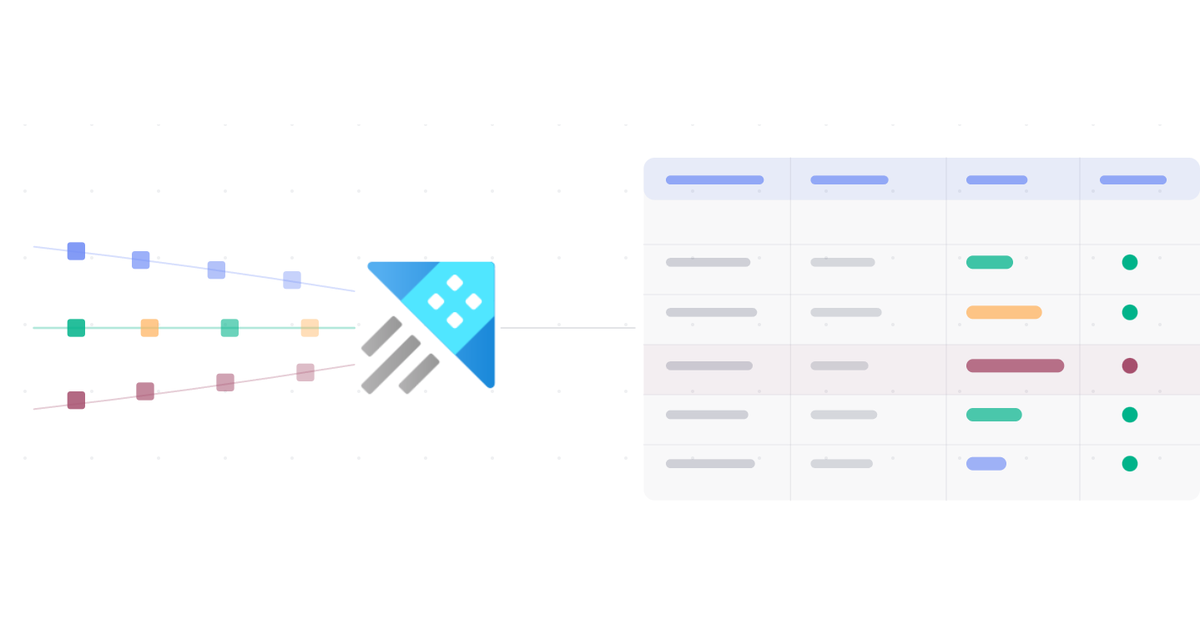

In the previous post we covered message routing in IoT Hub, the mechanism that moves data from IoT Hub to the rest of your Azure architecture. In this post we look at the first of the three data paths in detail: the warm path.
The warm path is handled by a single service: Azure Data Explorer (ADX). We’ll look at what ADX is and why it suits the warm path. ADX is also used well beyond IoT: it powers several other Azure services, and it’s becoming more relevant for anyone who works with logs, metrics, or time-series data.
What is the warm path? #
The warm path is for data that doesn’t need to be acted on instantly (that’s the hot path’s job) but still needs to be available within seconds. In a typical IoT solution, it feeds monitoring dashboards and trend analysis, answering questions like “what has the temperature been doing over the last 30 minutes?” or “how many alerts did device X trigger today?”
Two things set it apart from the cold path:
- There’s no batching. Data flows continuously from IoT Hub into ADX and is available within seconds. The cold path writes data in batches, with a configurable window that can span minutes.
- Storage is mid-term. ADX keeps data for a retention period you define and then deletes it automatically. What you query is recent history; long-term archiving happens elsewhere.
ADX handles ingestion, storage, and querying in one service, and it’s built for the kind of data IoT devices generate. That makes it a good fit for this path.
What is Azure Data Explorer? #
Azure Data Explorer is a fully managed analytics platform. Microsoft originally built it for internal use and later released it as an Azure service. If you’ve used Log Analytics or Application Insights, you’ve already used ADX: it’s the data store those services are built on.
ADX is strongest with time-series data, where each data point carries a timestamp. That describes almost everything an IoT device sends. A single message might contain temperature, humidity, and pressure, all recorded at 14:03:21, and the next one arrives at 14:03:26 with a new set of readings.
Why time-series data is a good fit for ADX #
ADX is optimized for the insert-only nature of time-series data. Once you record a temperature reading, you don’t go back and change it; it happened at that point in time and that’s that. You keep adding new data points, and the old ones stay as they were.
A relational database like SQL Server works differently, with rows often updated in place. If your data needs to be modified after the fact, ADX is a poor fit. IoT telemetry doesn’t need that, so the two match well.
How ADX is structured #
ADX organizes data in a hierarchy: cluster → database → table.

The cluster is the underlying compute and storage. Azure manages the infrastructure for you; you pick a cluster size based on your expected data volume.
Inside the cluster, you create one or more databases. A database is a logical container that groups related tables.
Inside each database, you create tables. A table in ADX is similar to a table in SQL: it has columns with defined types. For an IoT scenario, a telemetry table might have columns like DeviceId, Temperature, Humidity, and EnqueuedTime.
With the table in place, you configure ingestion by connecting IoT Hub to ADX so messages flow in automatically. ADX supports both streaming ingestion (near real-time) and batch ingestion; the warm path uses streaming.
Querying with KQL #
You query data in ADX with KQL (Kusto Query Language), a read-only query language optimized for time-series data. It follows a pipe model: you start with a table and chain operators to filter, sort, and aggregate the results.
Here’s a simple example:
Telemetry
| where EnqueuedTime > ago(1h)
| summarize avg(Temperature) by DeviceId
This query takes the Telemetry table, filters it to the last hour, and calculates the average temperature per device. Once you know the syntax, KQL is expressive and reasonably easy to read.
The render operator turns query results into charts directly in the ADX interface, which covers basic visualization without an external tool. For more advanced dashboards, ADX integrates with Power BI and Grafana, and it has its own built-in dashboards.
ADX beyond IoT #
This series uses ADX for IoT telemetry, but it shows up in plenty of other places.
Log Analytics runs on ADX, so anyone who has written KQL queries against Azure Monitor logs has been querying ADX, possibly without knowing it. Microsoft Sentinel stores its data in Log Analytics workspaces and supports cross-service queries to ADX. In Microsoft Fabric, the same technology lives on as Eventhouse, the real-time analytics store in Fabric’s Real-Time Intelligence workload.
What you learn about ADX and KQL carries over to all of these, so the time you put in pays off outside IoT projects too.
What ADX is not #
ADX is the wrong tool in a few situations:
- Frequent updates to existing rows. ADX isn’t a relational database; use SQL for that.
- Bulk archiving at minimal cost. Azure Storage is cheaper for long-term cold storage.
- Receiving messages directly from devices. ADX isn’t a message broker; it connects to IoT Hub as a data source.
In the three-path architecture, ADX covers the warm path: near-real-time ingestion, mid-term storage, and fast analytical queries.
What comes next? #
The next post covers KQL, the query language you use to work with data in ADX. We’ll go through the core operators, write queries against a telemetry table, and look at how to visualize the results.